

Download TrueNAS CORE
The world’s most popular software-defined storage

TrueNAS Minimum Requirements
64-Bit CPU | 8 GB RAM (16 GB Recommended) | 16 GB Boot Drive (SSD Encouraged) | At Least One Attached Disk | Network Port | Hardware RAID Not Recommended
Full Hardware Requirements
64-Bit CPU | 8 GB RAM (16 GB Recommended) | 16 GB Boot Drive (SSD Encouraged) | At Least One Attached Disk | Network Port | Hardware RAID Not Recommended
Full Hardware Requirements
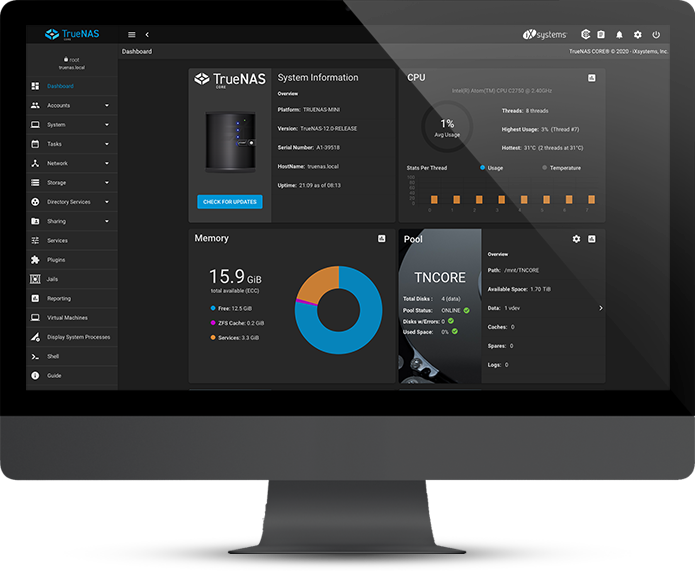
TrueNAS CORE 13.0-U6.1
Current Stable Version, Recommended for Production use.
Release Notes and Checksums
TrueNAS CORE 13.0-U6.1 Release Notes
sha256 checksum:
d9253188c1762c2a7eceea417922f339c4e4078967eb048d2dfcbfdbc4dccb3e
PGP Public key
C8D6 2DEF 767C 1DB0 DFF4
E6EC 358E AA91 12CF 7946
The signing key has been updated as of Sept 2021, please update your local keys as needed to verify the iso with the gpg signature
Manual Update - Upgrade to the Latest Stable Version of CORE
Read More About Updating TrueNAS CORE
Download Manual Update TrueNAS CORE 13.0-U6.1
sha256 checksum:
0ca4dce1fe4b05df01ea0bb2814ea8c0823b430f38b386e0b738ec3d8b420825
Get Started with TrueNAS CORE



TrueNAS goes beyond being just software.
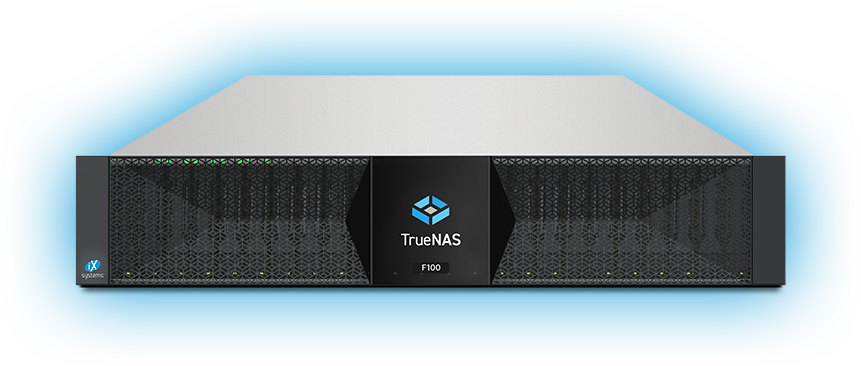

- Enterprise-Grade Storage Appliances
- Business and Mission-Critical Use
- Professional Enterprise Support